Introduction
For law firm leaders, the choice between a generic CRM and a legal practice management platform is no longer a matter of convenience. It is a strategic decision that affects operational control, service quality, billing accuracy, deadline management, and the firm’s ability to scale without adding unnecessary administrative burden.
Generic CRM systems were built primarily for sales workflows. Their core logic centers on leads, pipelines, deals, and marketing activity. Legal work, by contrast, revolves around matters, deadlines, documents, time tracking, billing, confidentiality, and team accountability. That is why platforms such as Clio, MyCase, and Jusnote should be viewed not as “more expensive CRMs for lawyers,” but as a separate category of professional software built around the actual mechanics of legal practice.
CRM and Legal Practice Management: Similarities
At a basic level, both CRMs and legal practice management platforms aim to centralize information, improve communication, and make team work more transparent. Both may include contact management, task assignment, reminders, email integration, calendar synchronization, and basic reporting.
This overlap often creates the impression that a law firm could simply use a well-configured CRM and achieve the same result. In practice, however, the difference lies not in the surface-level features, but in the underlying business logic. A CRM is built to manage sales relationships. A legal practice management system is built to manage legal work.
The Core Difference
1. Sales pipeline vs. legal matter
A CRM typically organizes work around leads, opportunities, and deals. It tracks where a prospect is in the sales funnel and what the expected value of the transaction may be. That is useful for intake and business development, but it does not reflect the structure of legal work.
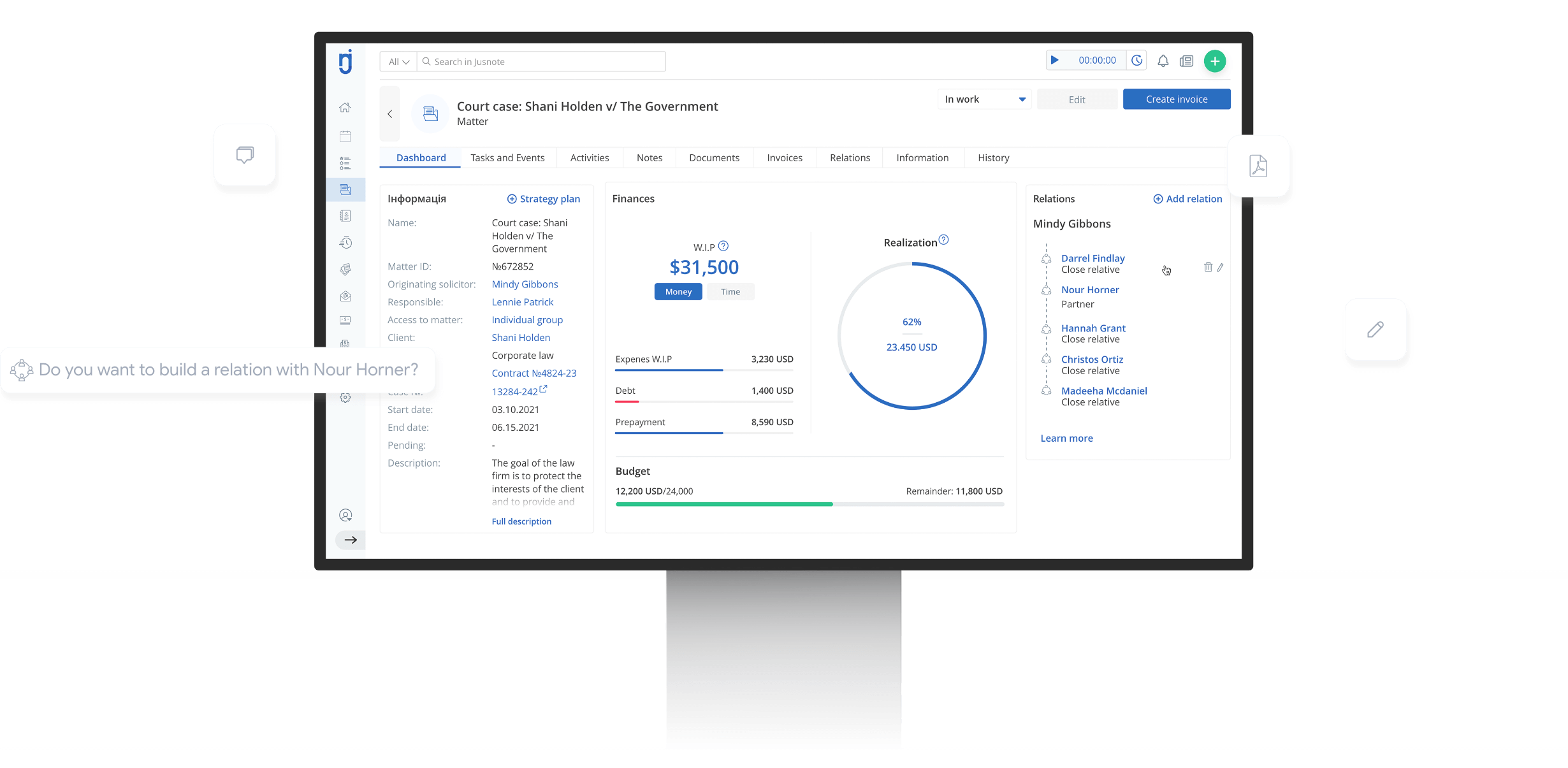
A legal practice management platform, by contrast, treats the matter as the central unit of work. Around that matter, the system organizes documents, deadlines, tasks, notes, billing, and communication. This model reflects the actual workflow of a law firm much more accurately than a standard CRM.
2. Reminders vs. deadline discipline
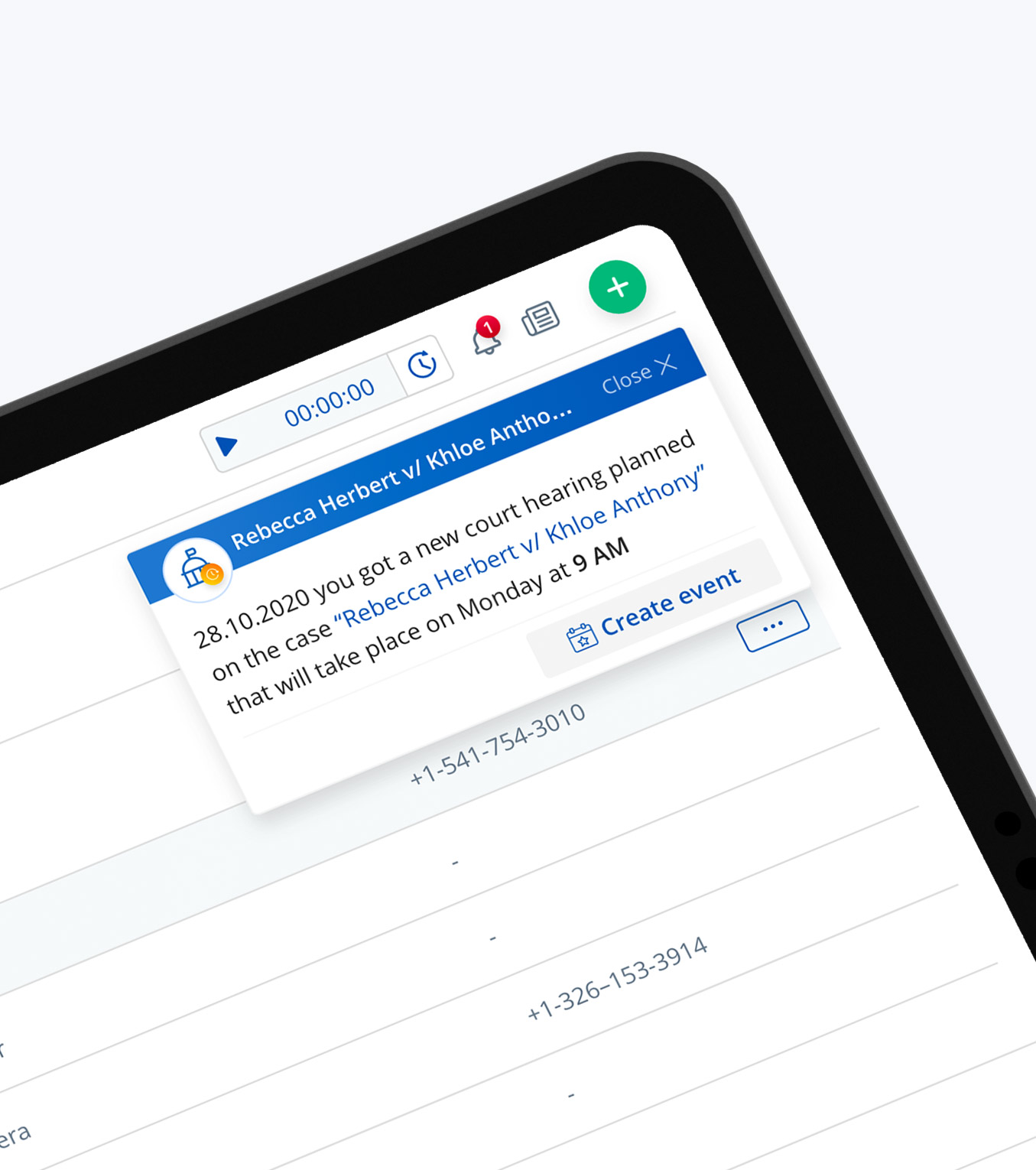
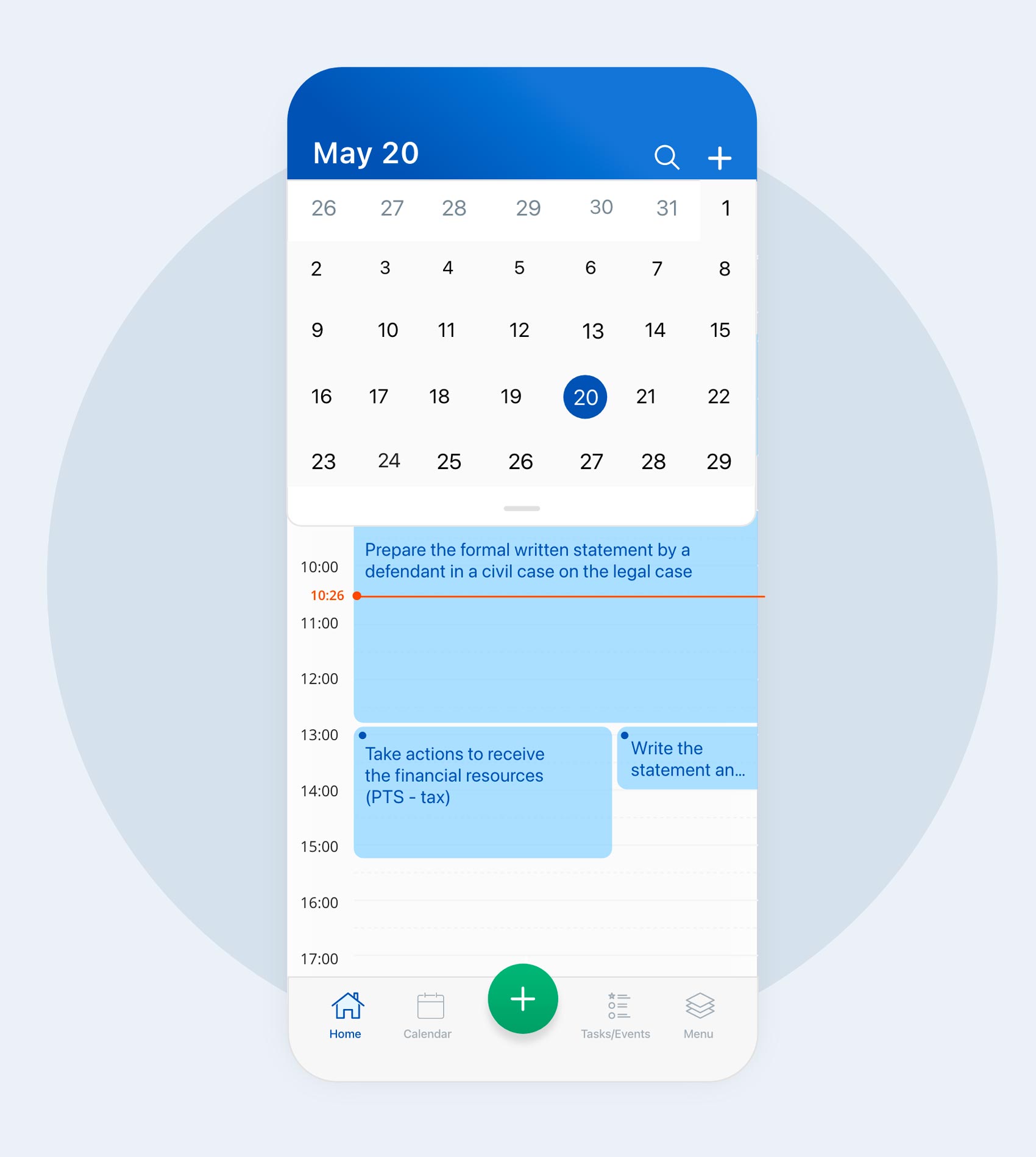
In a generic CRM, the calendar is usually a support tool. It helps track meetings, calls, and internal deadlines. In legal practice, deadlines carry far greater consequences. Missing a filing date or procedural deadline can create reputational, financial, and professional liability risks.
Legal practice systems are designed to support that environment. They connect events, tasks, and case milestones into a unified workflow. In other words, a legal deadline is not just a reminder — it is part of a structured professional process.
3. Documents as attachments vs. documents as core workflow
In most CRMs, documents are stored as attachments to contacts, deals, or tasks. This works reasonably well for contracts, proposals, and general correspondence, but it is not enough for legal work, where documentation is central to the production process.
Legal practice software treats documents as part of the matter itself. Templates, version control, shared access, matter-based filing, and the connection between documents and billing are built into the workflow. This reduces duplication, version errors, and the gap between completed work and recorded work.
4. General activity tracking vs. time tracking and billing
For law firms, the economic model often depends on billable time, fixed-fee packages, retainers, or hybrid billing structures. Time tracking and billing are therefore not optional add-ons; they are core operational functions.
Clio and similar platforms emphasize time tracking, billing, and financial workflow as key components of the system. Generic CRMs usually do not provide this natively. As a result, firms often need external tools and integrations, which increases complexity and the risk of inconsistencies in financial data.
5. Client communication vs. structured client service
In a CRM, client communication is usually oriented toward sales and service follow-up. In a law firm, communication must be more structured. Clients expect visibility into matter status, deadlines, documents, next steps, and financial matters.
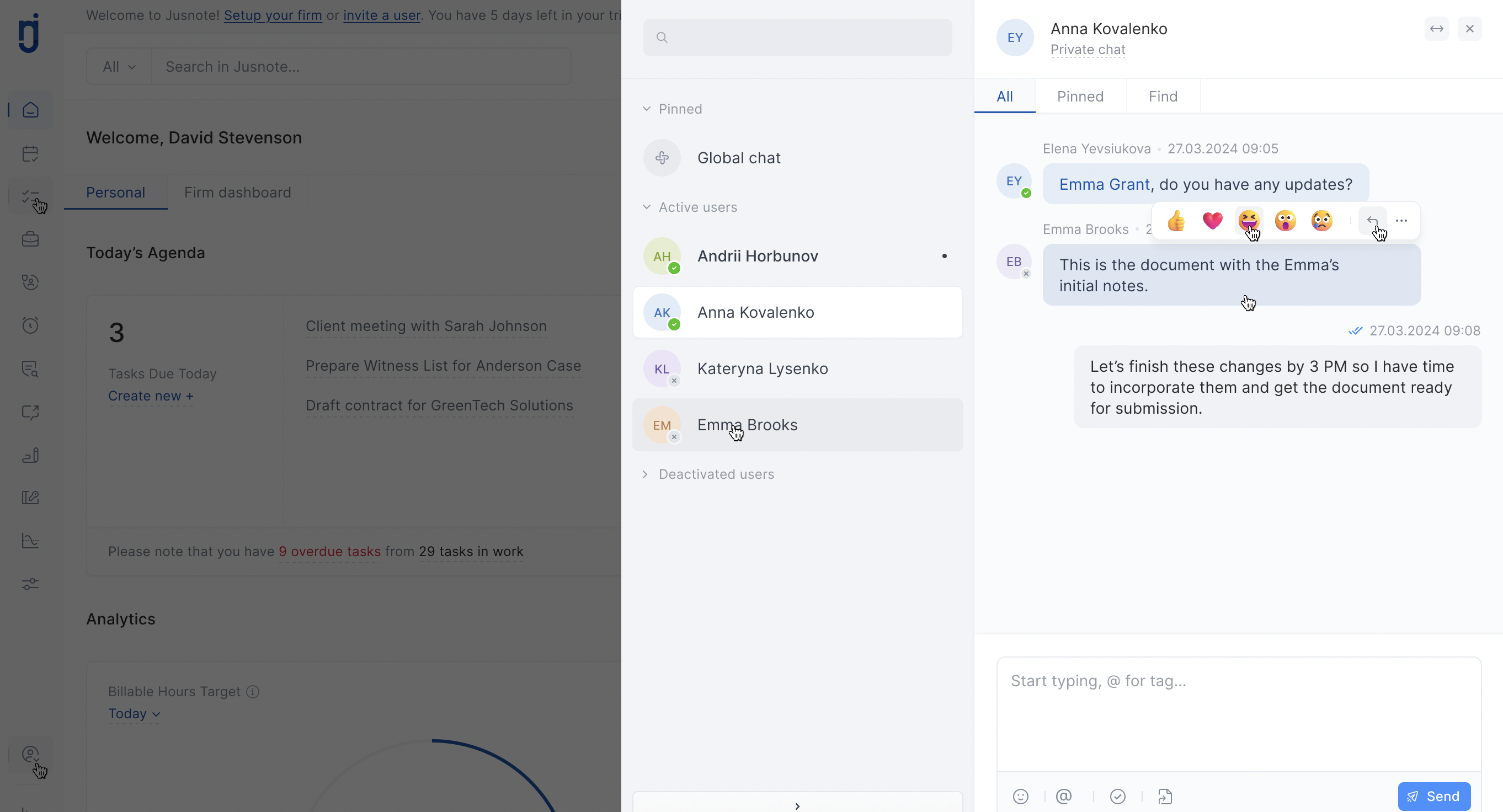
That is why legal practice platforms increasingly offer client portals, secure document exchange, and matter-specific communication channels. These tools help standardize the client experience and reduce dependence on individual lawyers’ personal organization habits.
Why Specialized Systems Cost More
The higher price of legal practice management software is not simply a branding effect. It reflects the complexity of the professional model the software is built to support.
A platform that includes matter management, calendar logic, billing, time tracking, document handling, client portals, mobile access, analytics, and integrations is fundamentally more complex than a sales-oriented CRM. That complexity requires deeper product development, more support, stronger security assumptions, and more specialized workflows.
For law firms, the real question is not whether a generic CRM is cheaper at the entry level. The real question is the total cost of ownership. Once customization, additional tools, staff training, manual workarounds, and the cost of errors are included, a cheaper CRM can easily become the more expensive option.
Why “CRM for Lawyers” Is Not Always Enough
Many products market themselves as “CRM for law firms” or “CRM for lawyers.” Some of them do solve part of the problem, especially at the intake stage or in client communication.
The issue is that intake is only one part of a law firm’s workflow. A true legal practice platform must support the full lifecycle of the matter: intake, conflict checks, matter creation, deadline tracking, document production, time entry, invoicing, reporting, and team coordination.
If a platform handles contacts well but does not manage matters well, it is not really a practice management system. It is a CRM with legal terminology.
What Law Firm Leaders Should Evaluate
When evaluating software, law firm leaders should ask operational rather than marketing questions:
-
Is the matter the central unit of work?
-
Are deadlines, tasks, documents, and responsible people connected in one workflow?
-
Does the system support time tracking and billing natively?
-
Can the firm reduce manual switching between multiple tools?
-
Does the client experience improve through a secure, structured portal?
-
Does the system reduce administrative overhead, or merely add another layer of complexity?
These questions help distinguish a genuinely legal-focused system from a generic platform that has been adapted for legal use.
Comparison at a Glance
| Criterion |
Generic CRM |
Legal Practice Management Software |
Conclusion
A law firm can use a generic CRM as a support tool for marketing, lead intake, or sales coordination. But when the goal is to manage legal work itself, a generic CRM is usually the wrong architectural fit.
Specialized systems such as Clio, MyCase, and Jusnote are more expensive because they are built around the real structure of legal practice: matters, deadlines, documents, billing, and accountability. For law firm leaders, that higher cost often translates into better control, fewer errors, and a lower long-term cost of running the business.

 Case Management
 Time & Billing
  Task Management
  Team Communication
  Reporting & Analytics
  Client Management
  Client Portal
  Mobile App


 About company
  Our leadership
  Join the team
  How we design
  Software reviews
 Knowledge base
 Customer support
 Newsroom
 Jusnote Newsroom
  Search Newsroom
 Back to all publications